![SD-Advertising-Logo-Full-Color.png]](https://help.merchants.slickdeals.net/hs-fs/hubfs/SD-Advertising-Logo-Full-Color.png?height=40&name=SD-Advertising-Logo-Full-Color.png)
Note: The sign up link will be given to new merchants only once they have been properly vetted by our DSF team. If you're interested in becoming a DSF member, please fill out this form and one of our team members will reach out to you.
1. To create an account, input your email address and choose a password.

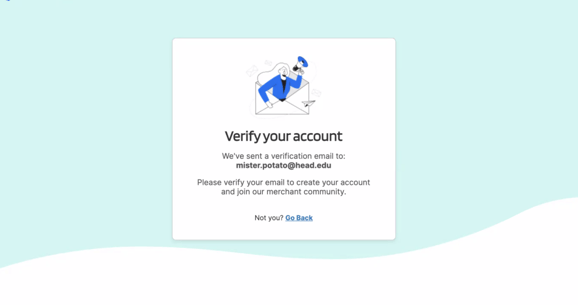
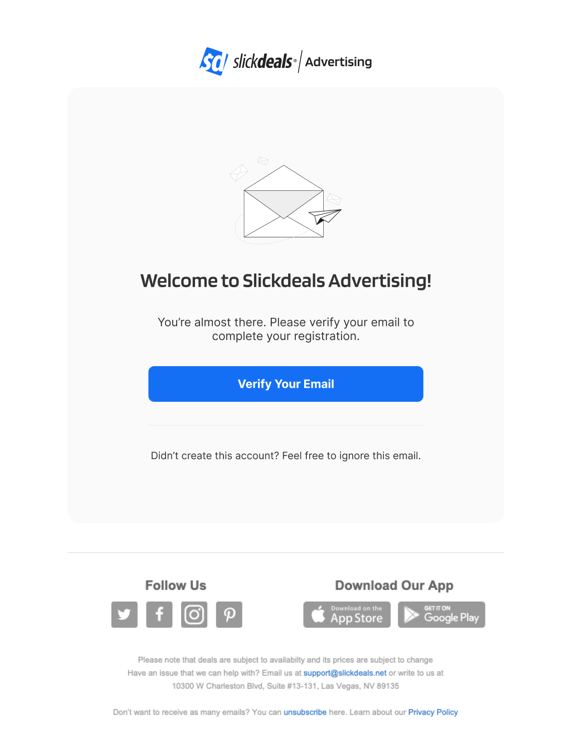
2. Verify your account by following the link sent to the email address you entered on the previous screen.
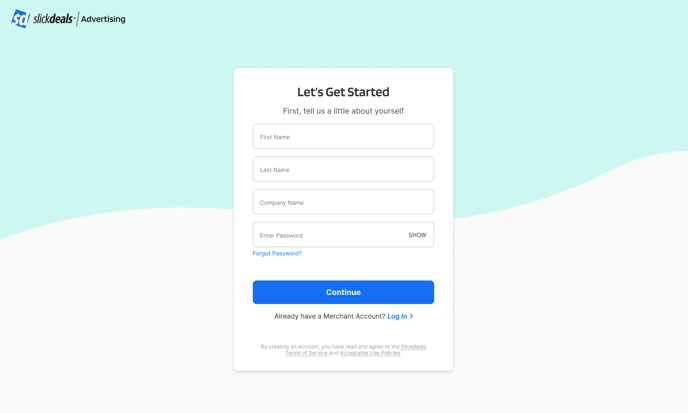
3. Complete the registration form with your first and last name, company name, and the password you created earlier.
4. Select the DSF plan that's best for your business needs.
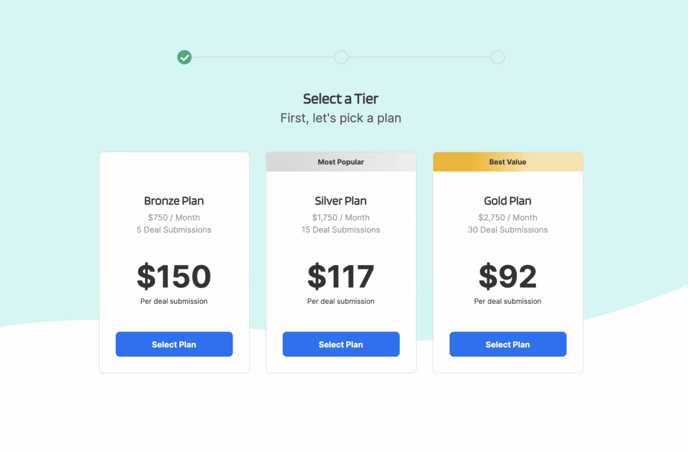
Note: You may upgrade or downgrade your subscription plan at any time in the self-service portal.
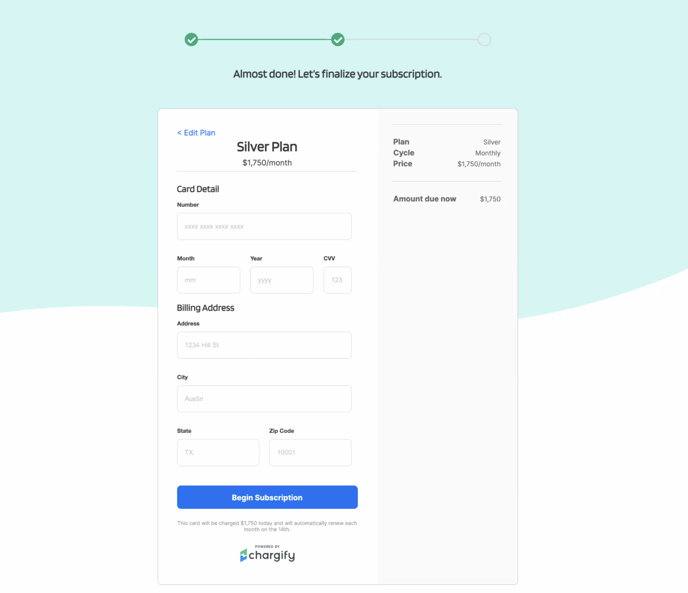
5. Input your payment information to begin your subscription.
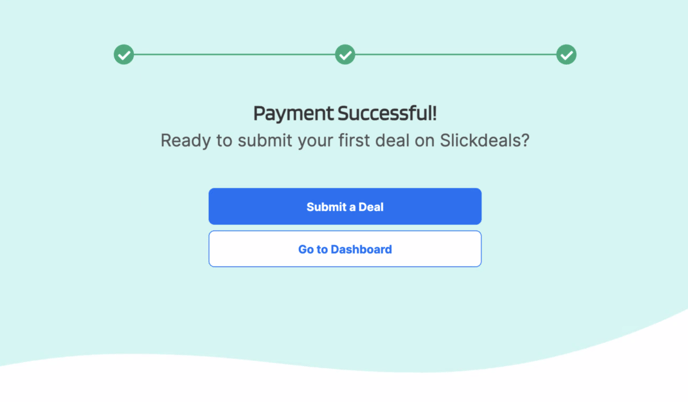
6. Welcome to the DSF! Once your payment is successful, you may start submitting deals and exploring the new self-service portal.